


- After the installation of the AJ Delivery Date & Shipping app, you need to integrate the app once.
- However, you need to Integrate the Product Page or Cart Page of AJ Delivery Date & Shipping with the Theme for displaying the app widget.
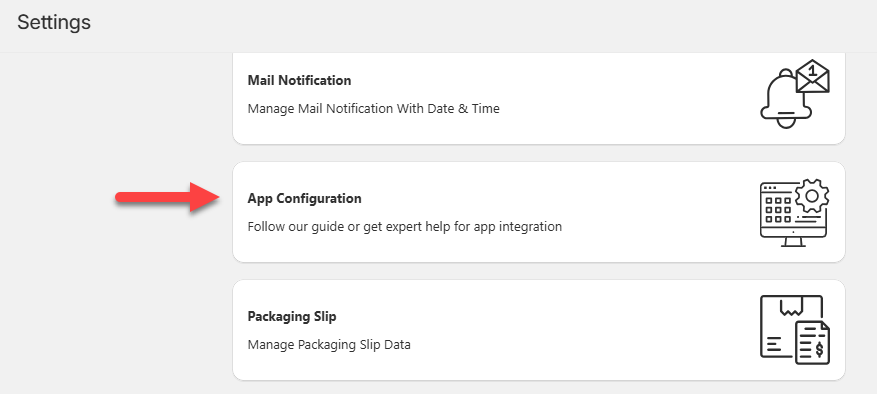
Product Page Self Installation
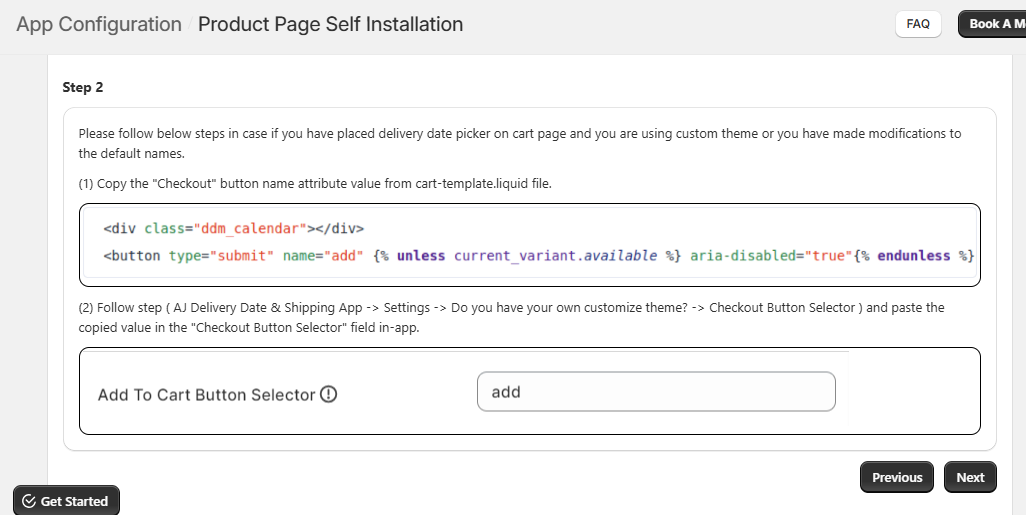
- Now, if you have placed the delivery date picker on the product page, you need to navigate to the Product Page Self Installation.
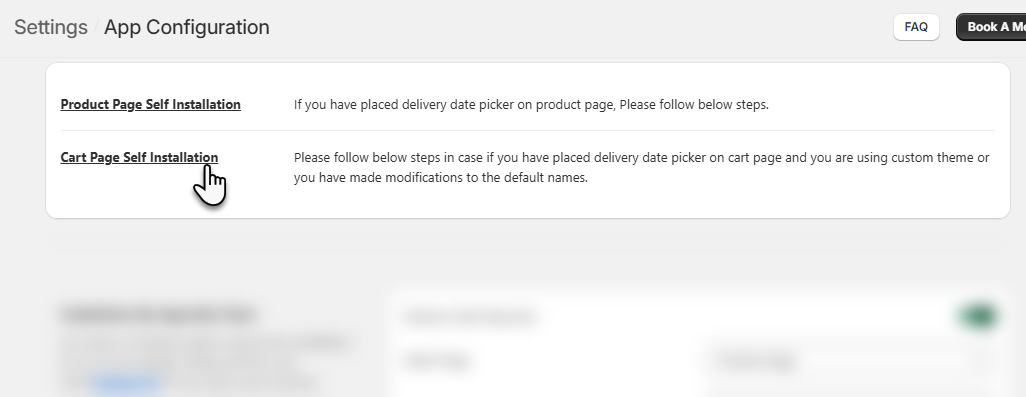
- There are three steps to be followed here:
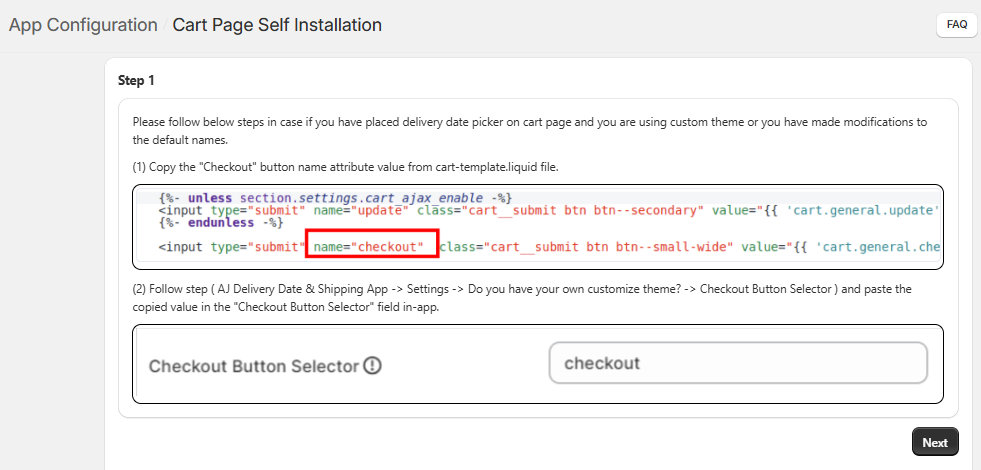
Step : 1
Step : 2
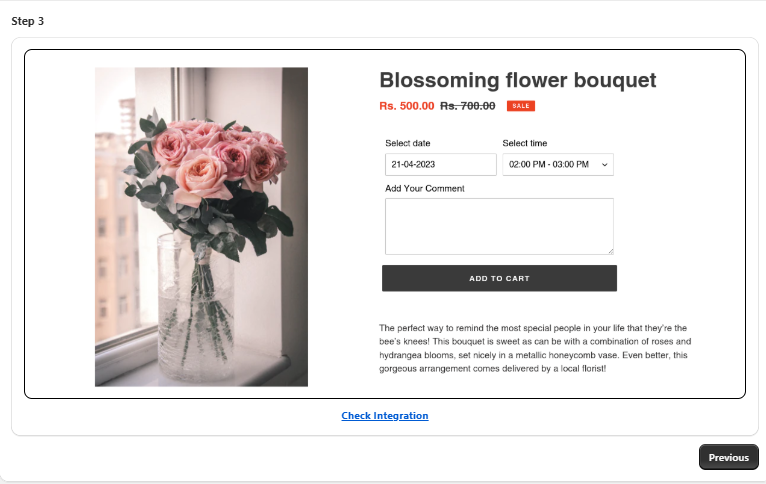
Step : 3
Cart Page Self Installation
- Choose this option if you have added the delivery date picker to the cart page and are using a custom theme or have modified the default field names.
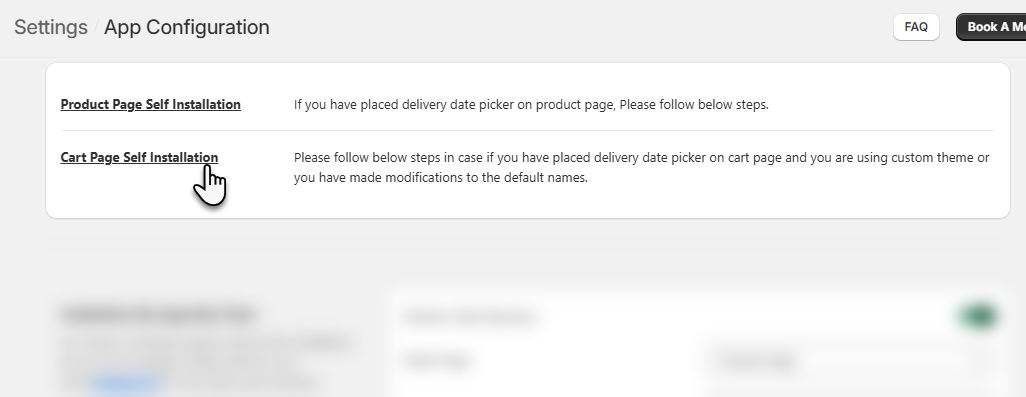
- Follow the further listed steps:
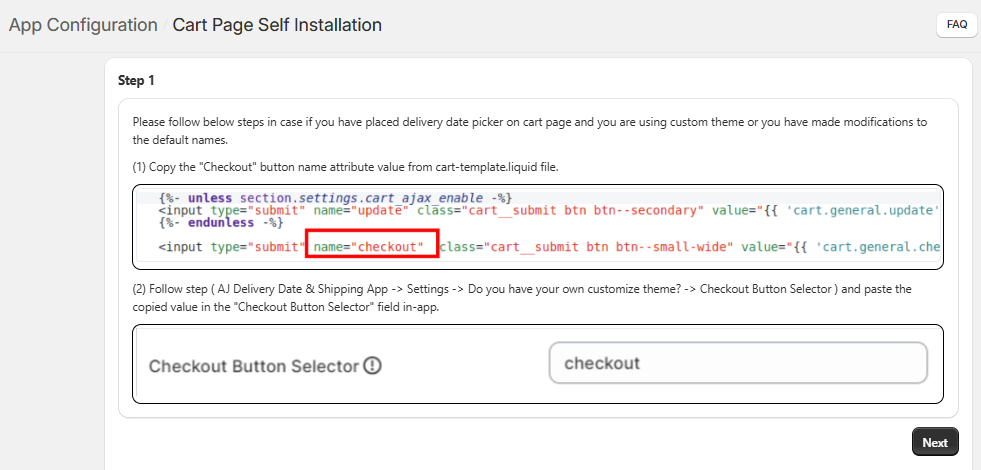
Step : 1
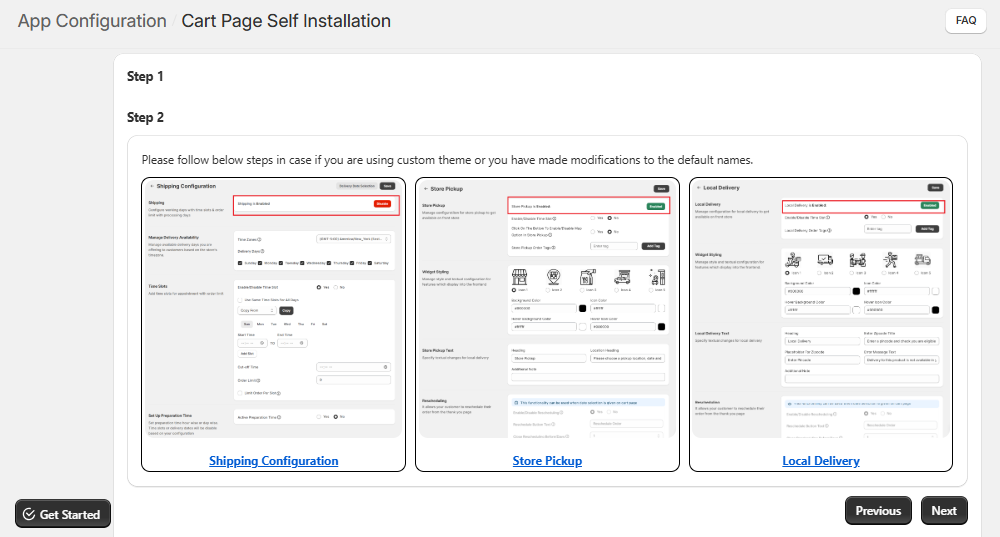
Step : 2
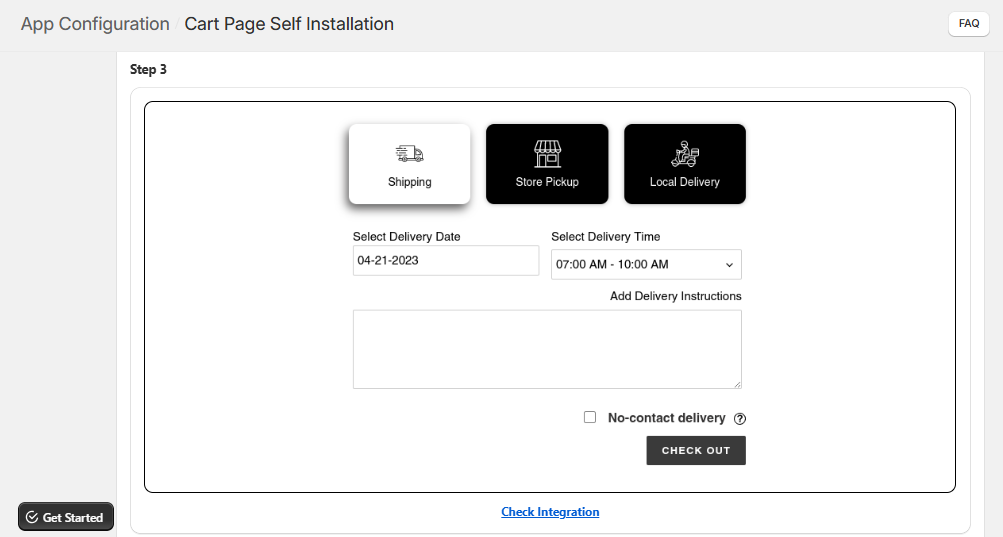
Step : 3
Installation by AppJetty Team
- In this section, you can make a request to the AppJetty team to help with the installation process. Follow the instructions given in the highlighted box beside the entries.
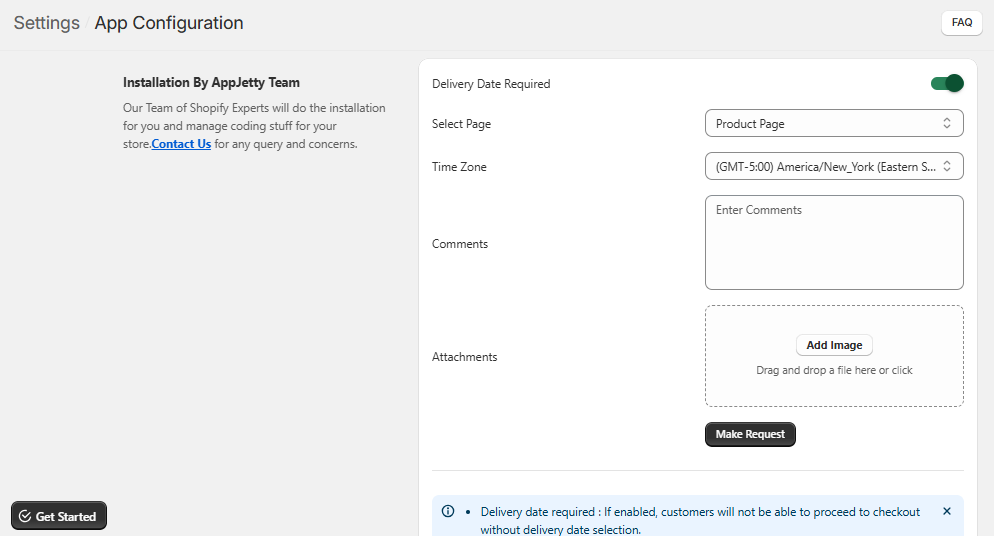
- After entering all the details click on the Make Request button.