By clicking on this button, you will be redirected to the AppJetty calendar. From there you can book a meeting on your own or you can contact the team to book a meeting for you.
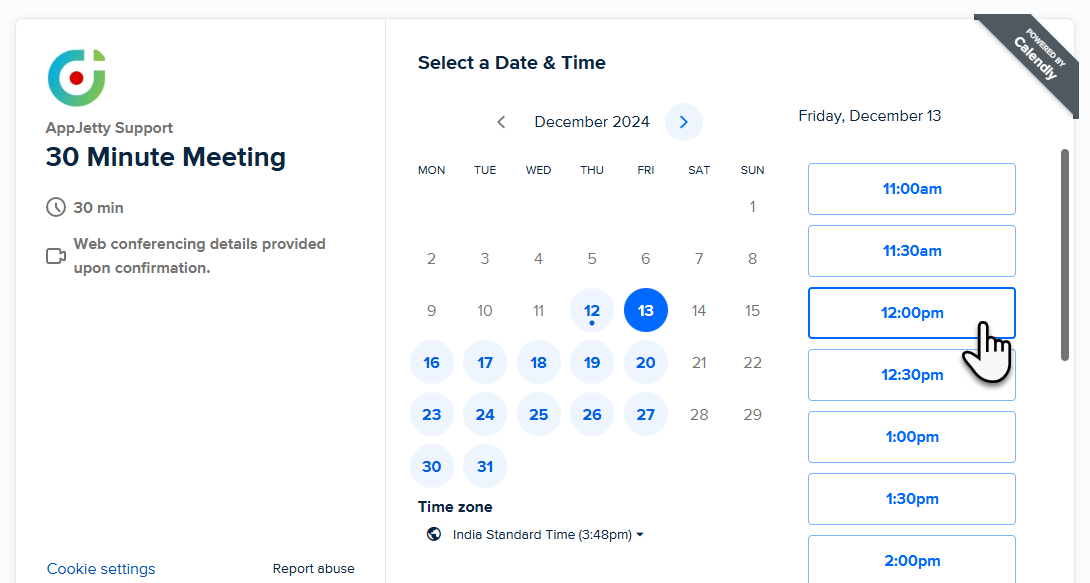
When you click on a particular date, various time sections appear. The Next button is displayed when you click on your preferred time.
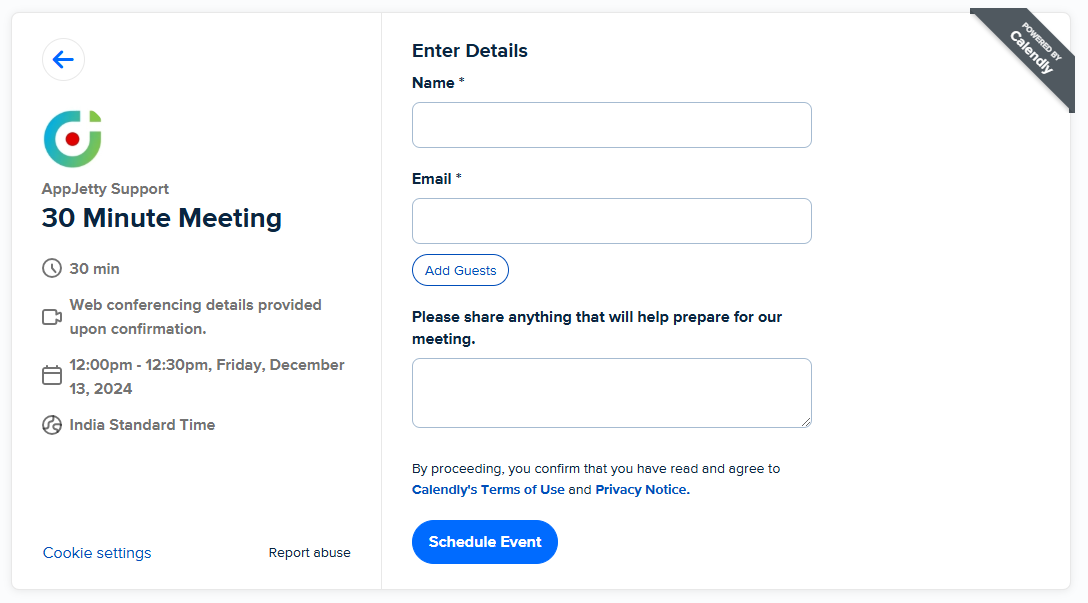
Further, you have to enter details Name and Email and then click on Add Guests. Also, enter notes if needed. After entering all the information click on Schedule Event.