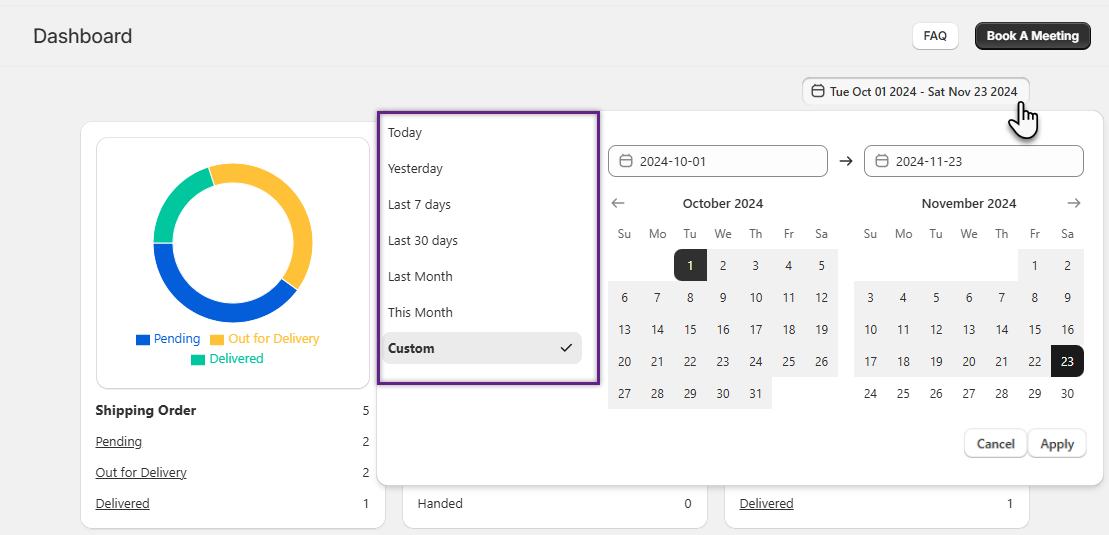
You can filter the orders by navigating to the “Filter” section where such actions can be performed: Today, Yesterday, Last 7 Days, Last 30 Days, This Month, Last Month, Custom. As per the selected filter you will be able to view the data accordingly once you click on Apply.
In the Custom filter, you need to select the dates through the calendar and the orders will be displayed as per the selection.
- For example: Tue Oct 01 2024 – Sat Nov 23 2024
- Details regarding the orders of those particular days will be displayed