Styles allow you to customize the texts of the calendar days and months along with heading, placeholder, label and error messages. Additionally, you can modify the label color, error message text color, button background color, disabled text color, and more.
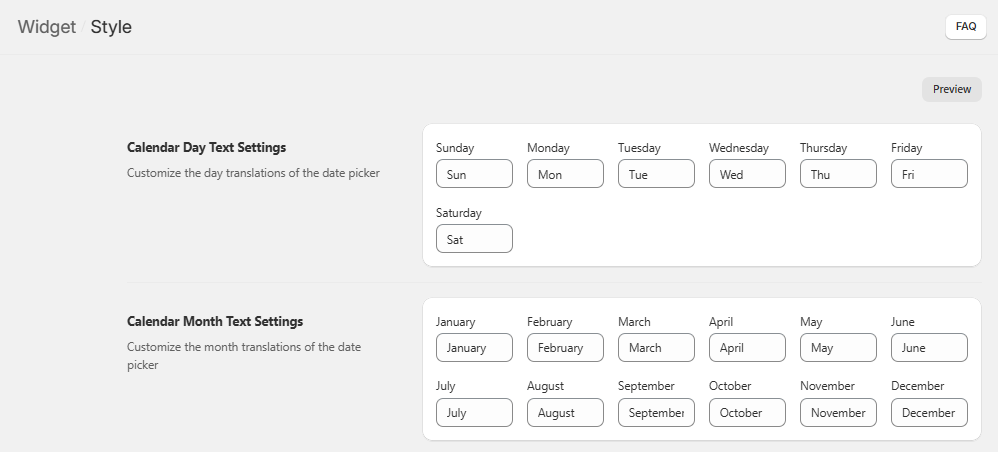
The initial section – Calendar Day Text Settings provides fields where you can specify how you want the days to be displayed in the calendar. For example: Sunday -> Sun, Monday -> Mon, Tuesday -> Tue and so on.
Further, the section – Calendar Month Text Settings section consists of fields where you can enter the months as you want them to appear on the calendar. For example: January -> Jan, February -> Feb, March -> Mar and so on.
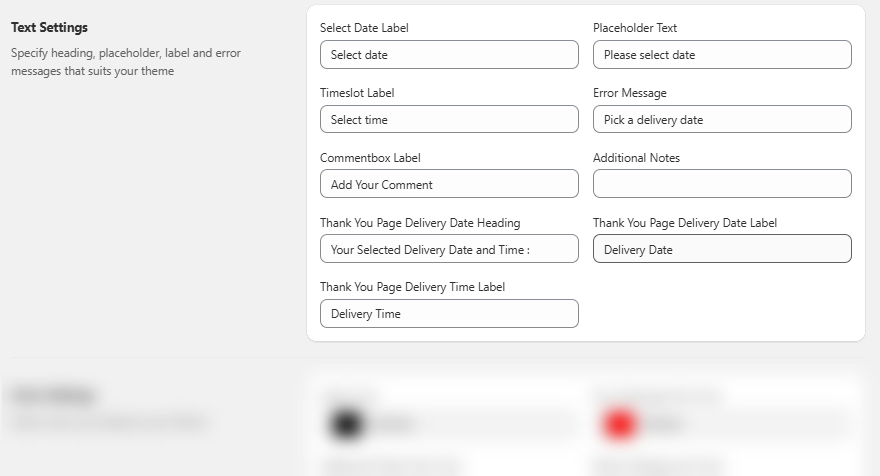
In Text Settings, you can customize the following headings, placeholder, labels and error messages: Select Date, Placeholder Text, Timeslot, Error Message, Commentbox, Additional Notes, Thank You Page Delivery Date Heading, Thank You Page Delivery Date Label and Thank You Page Delivery Time Label.
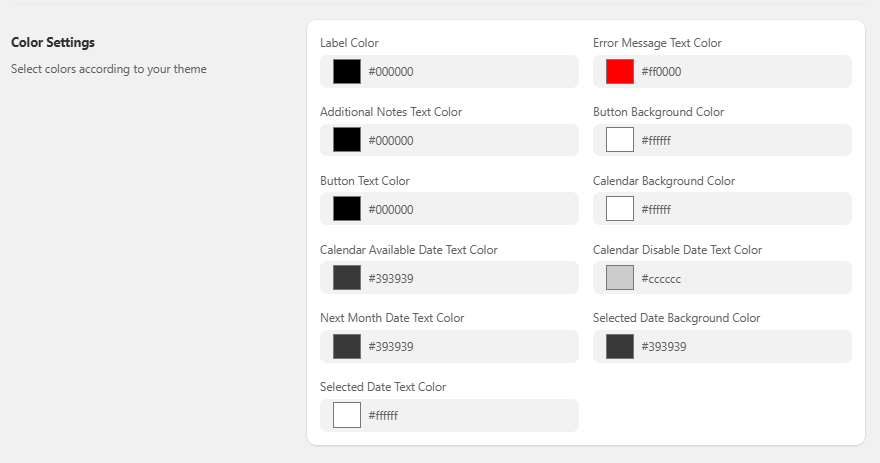
Subsequently, you can set the colors for Label, Error Message Text, Additional Notes Text, Button Background, Button Text, Calendar Background, Calendar Available Date Text, Calendar Disable Date Text, Next Month Date Text, Selected Date Background and Selected Date Text.