- Login to Shopify as Admin.
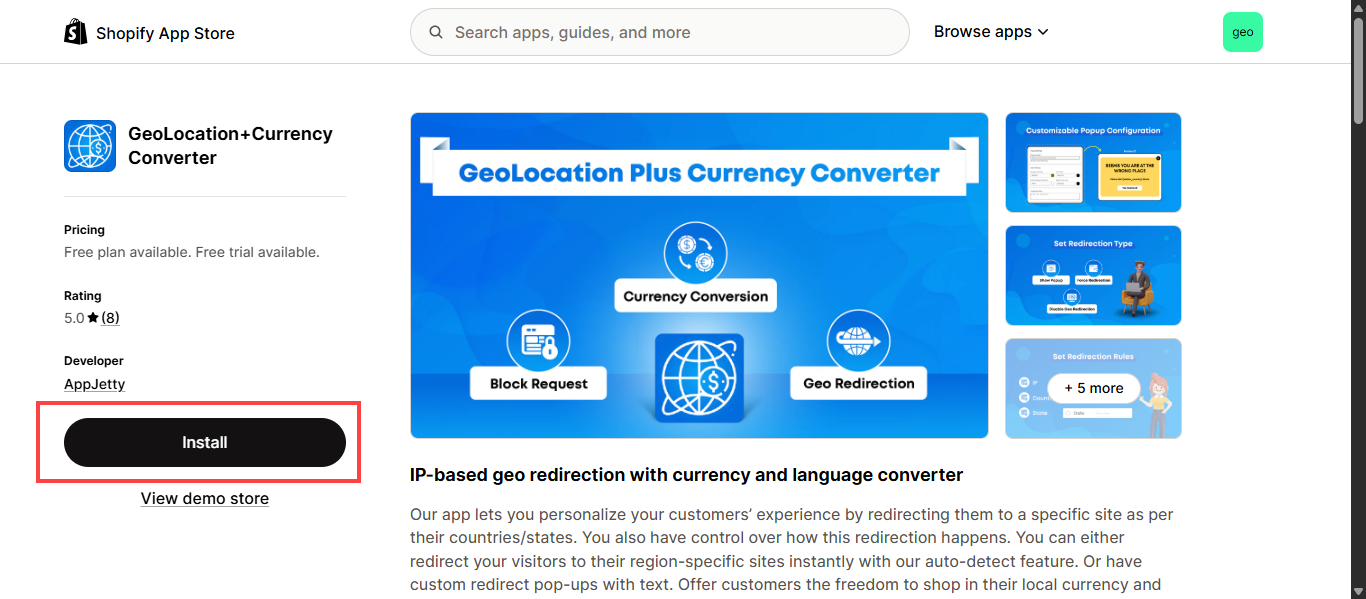
- Search the GeoLocation + Currency Converter in the shopify market place.
- After selecting it, you can view the ‘Install’ button, click on it.
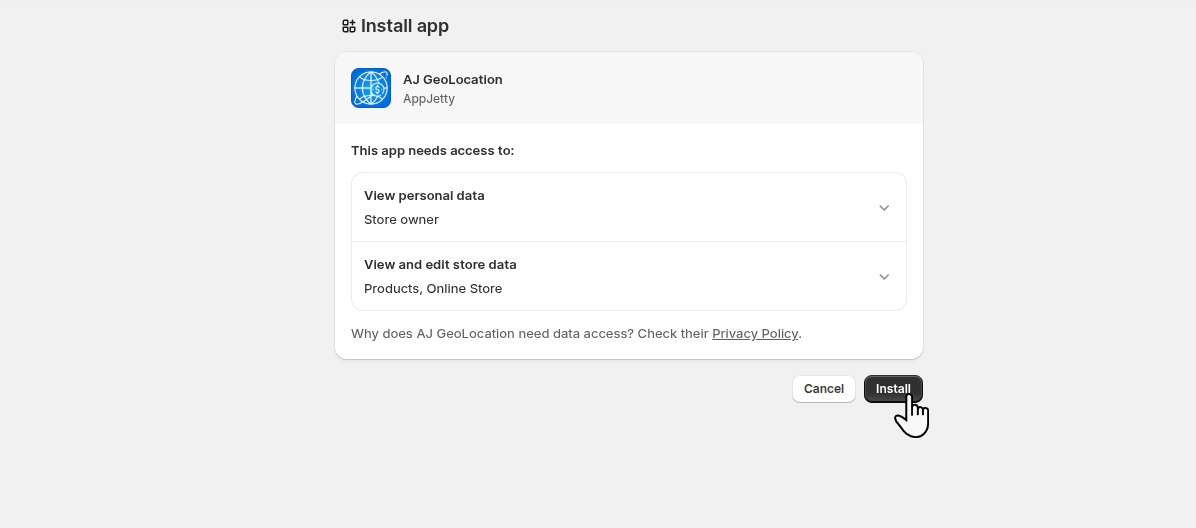
- As you click on the ‘Install’ button, you will be redirected to the “Install app” screen.
- Here you can view the access data information and “Install” button.
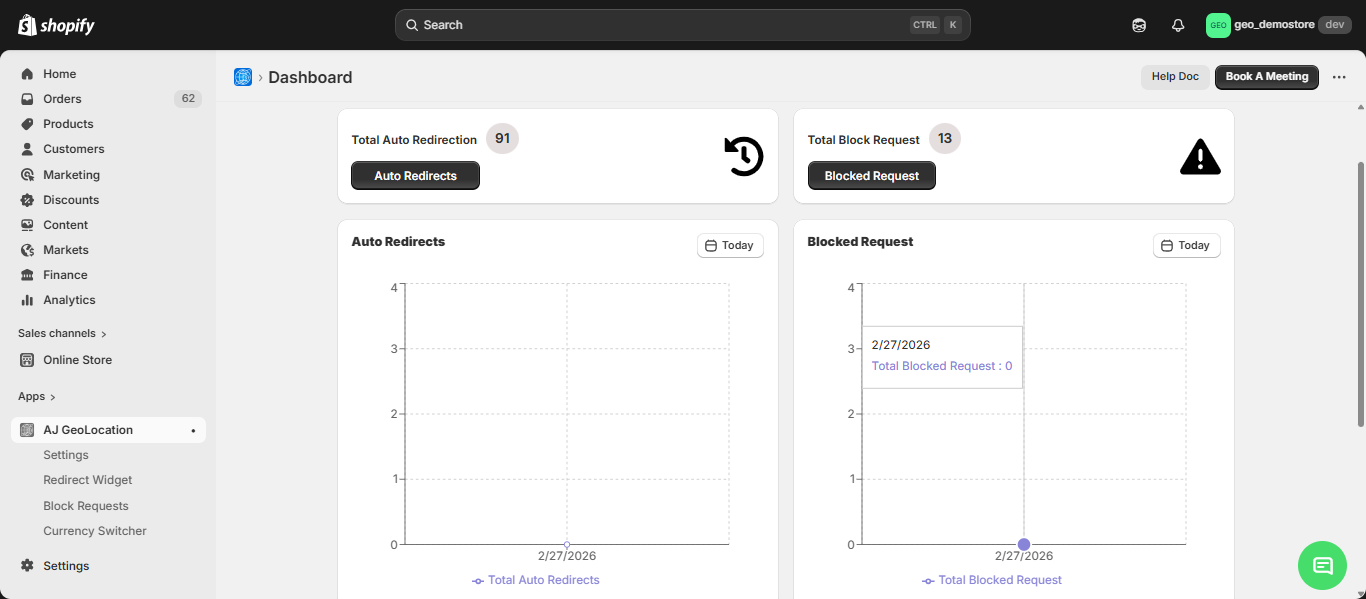
● After the installation you will be redirected to the AJ GeoLocation Dashboard.