


- You can block the unwanted users or traffic to your website by entering the IP address(es) manually or selecting the country and State from the List.
Ip’s
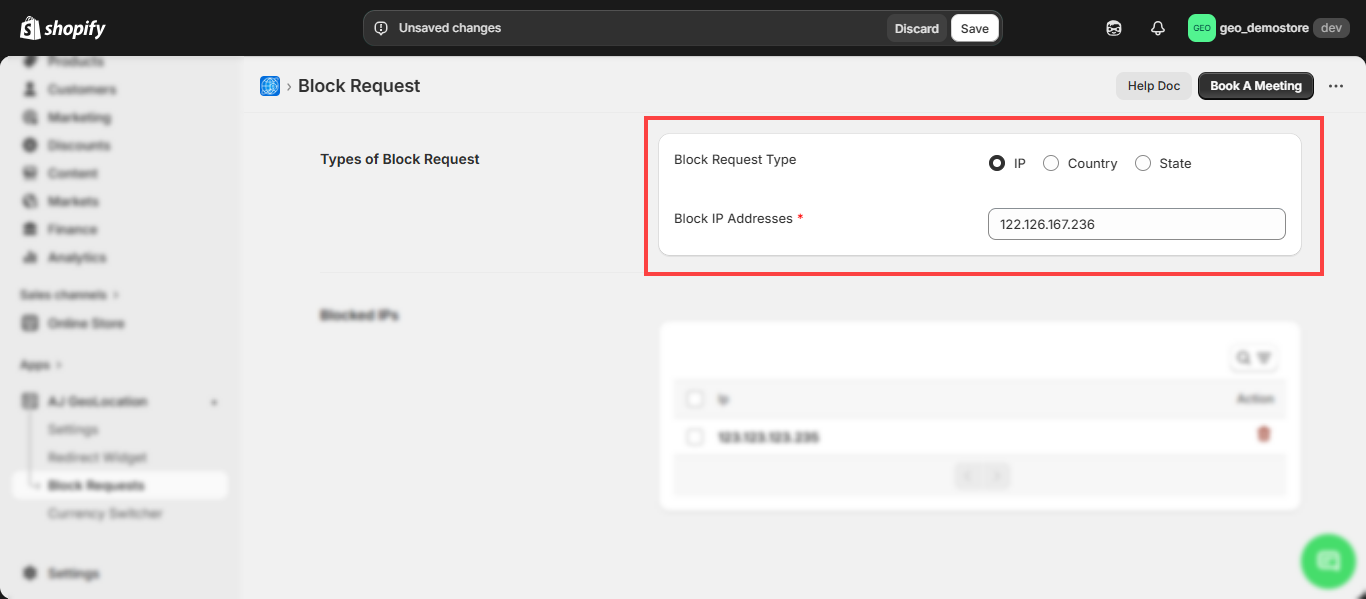
- Enter IP address(es) which you want to block and then click on Save button. The IP address(es) will be added under the “Blocked IP Addresses”.
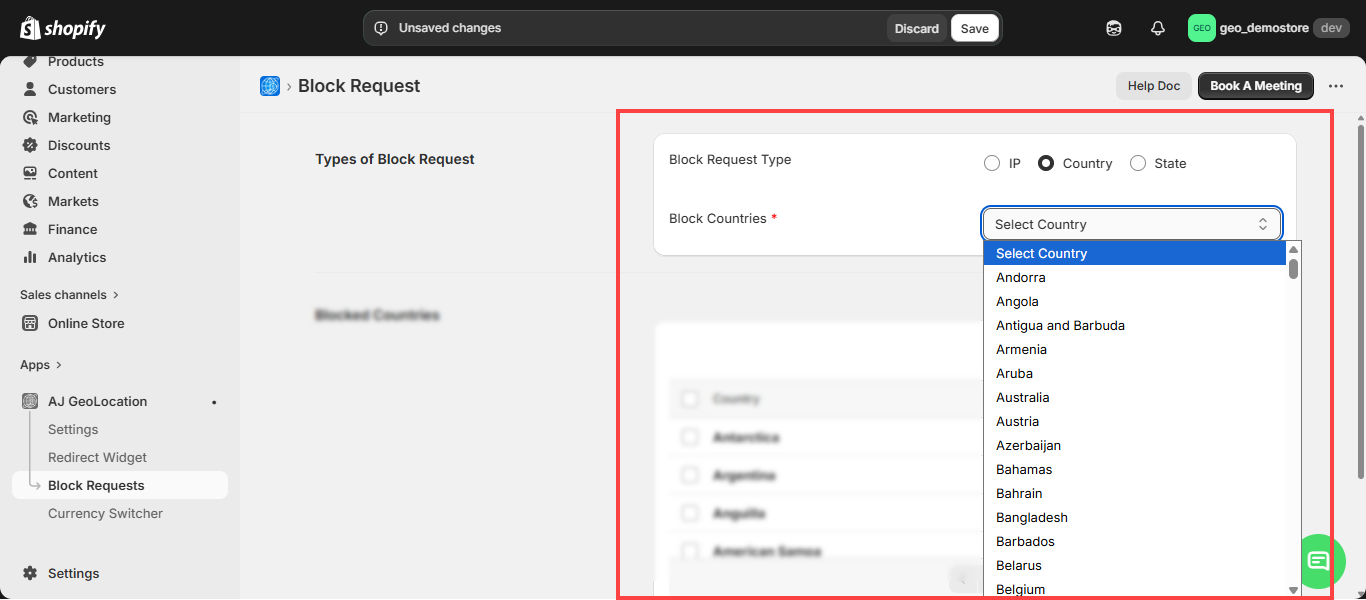
- From the Select Country drop down menu, select the Country for which you want to block the requests and then click on Block Country. The country will be added under the “Blocked Countries”.
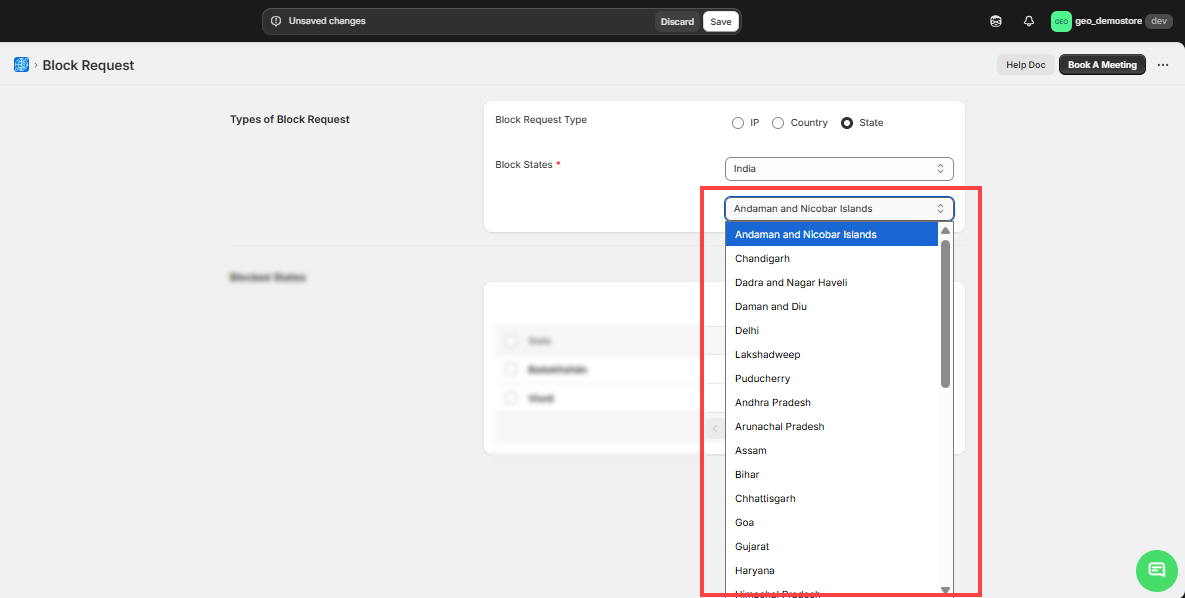
- You can block the States by first selecting the country and then you will get the list of the states and then by selecting the state, click on the Block State button.
- You can also see the list of Blocked IPs, Blocked States & Blocked Countries.
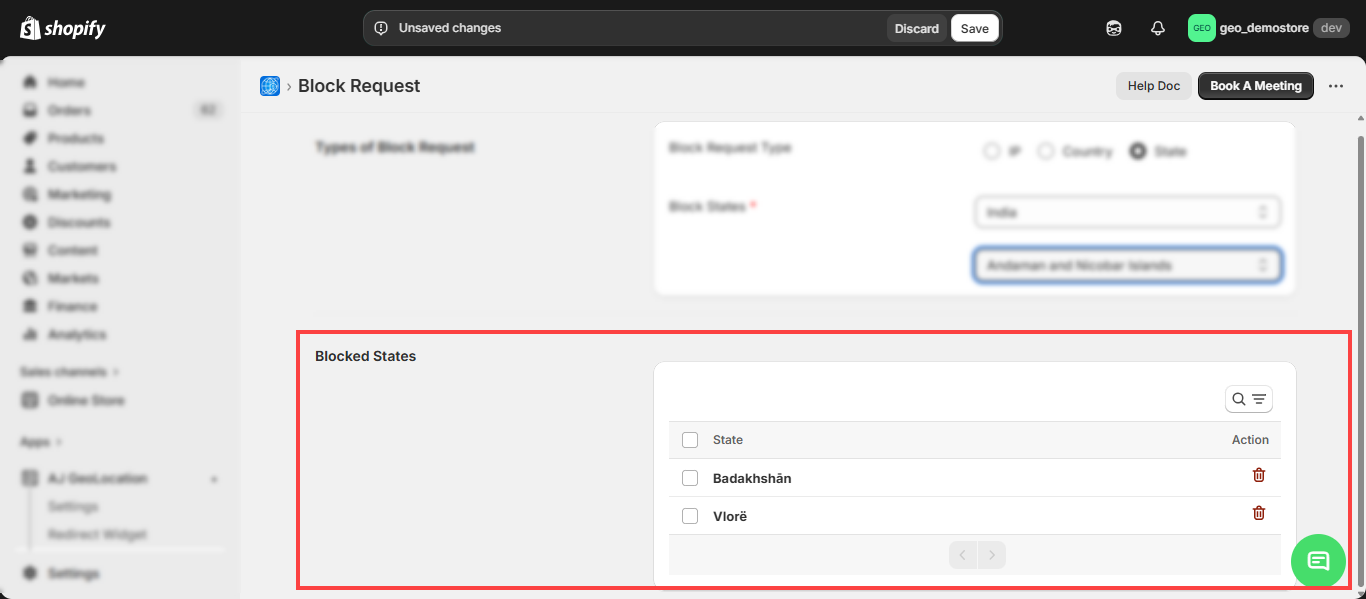
- From the the list you can delete the IP’s, County and states that you want to remove.