


- You need to configure the settings related to currencies. You can also enable the Currency selection as per the Geo Location of the visitors.
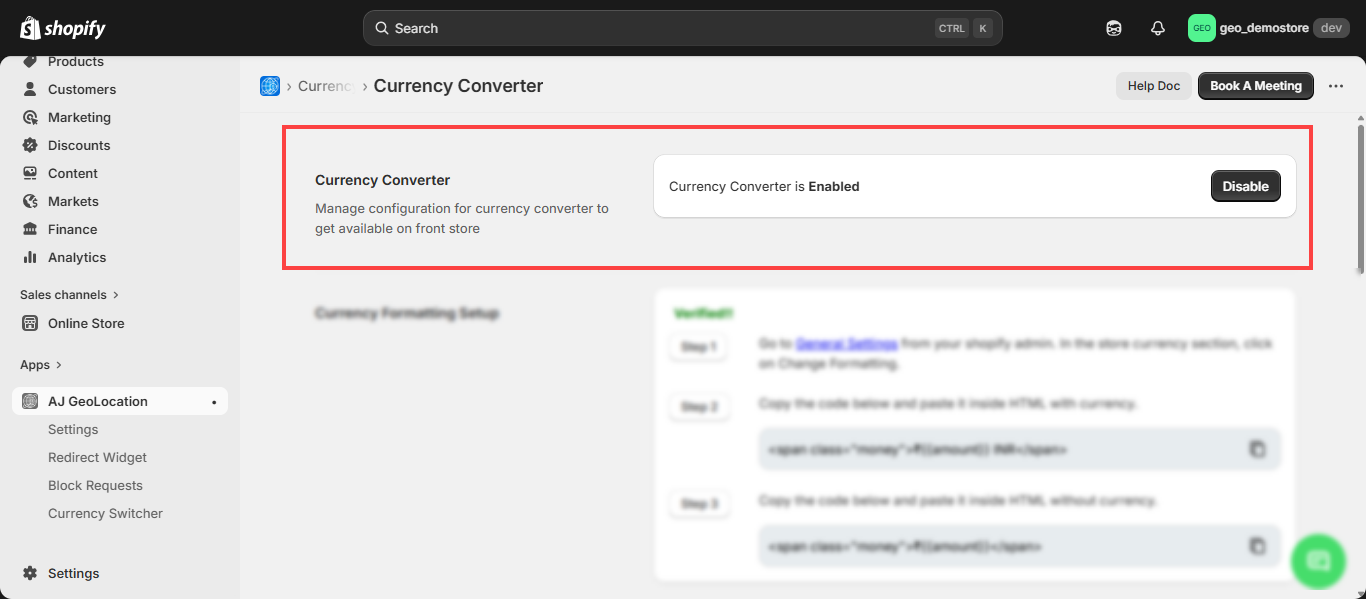
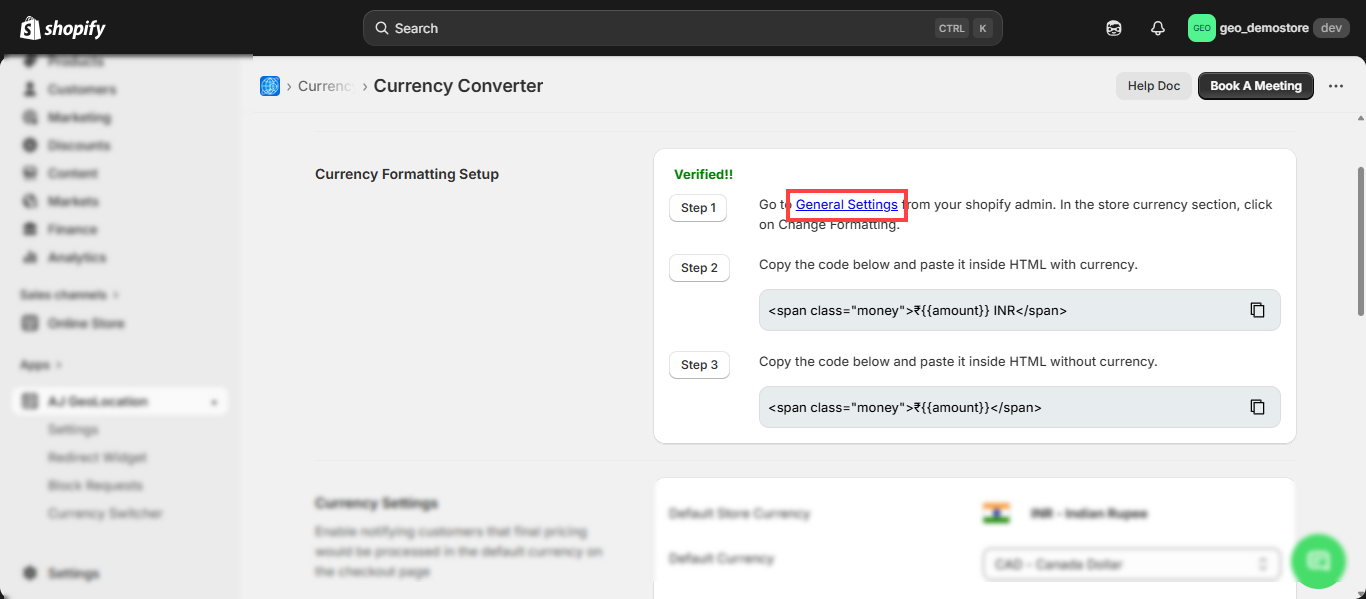
Currency Formatting Setup
- You must configure the Currency Formatting and need to be verified. You need to copy the HTML codes for “HTML with currency” and “HTML Without currency” and paste it to the fields under the General Settings from the Shopify Admin.
- You will get a hyperlink to your store’s General Settings. By clicking on it you will navigate to your store’s General Settings.
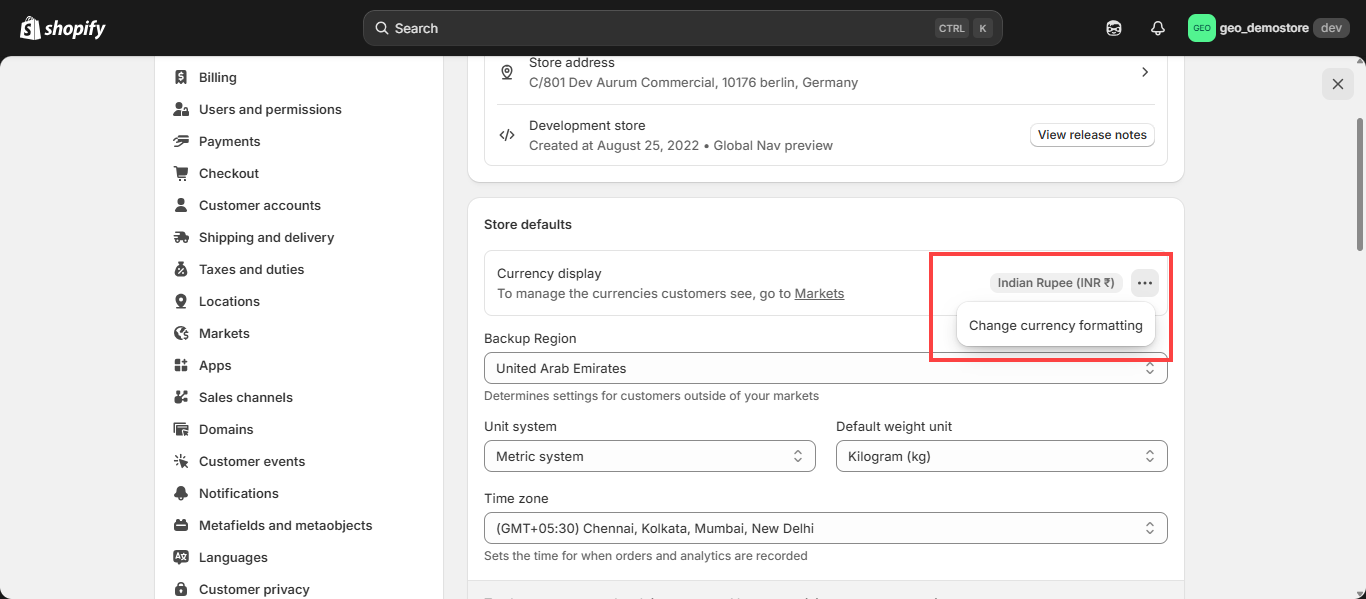
- By scrolling down from the General page, you will get the Store Defaults section individually. Here on the Currency Display click on the dots and Change Currency Formatting
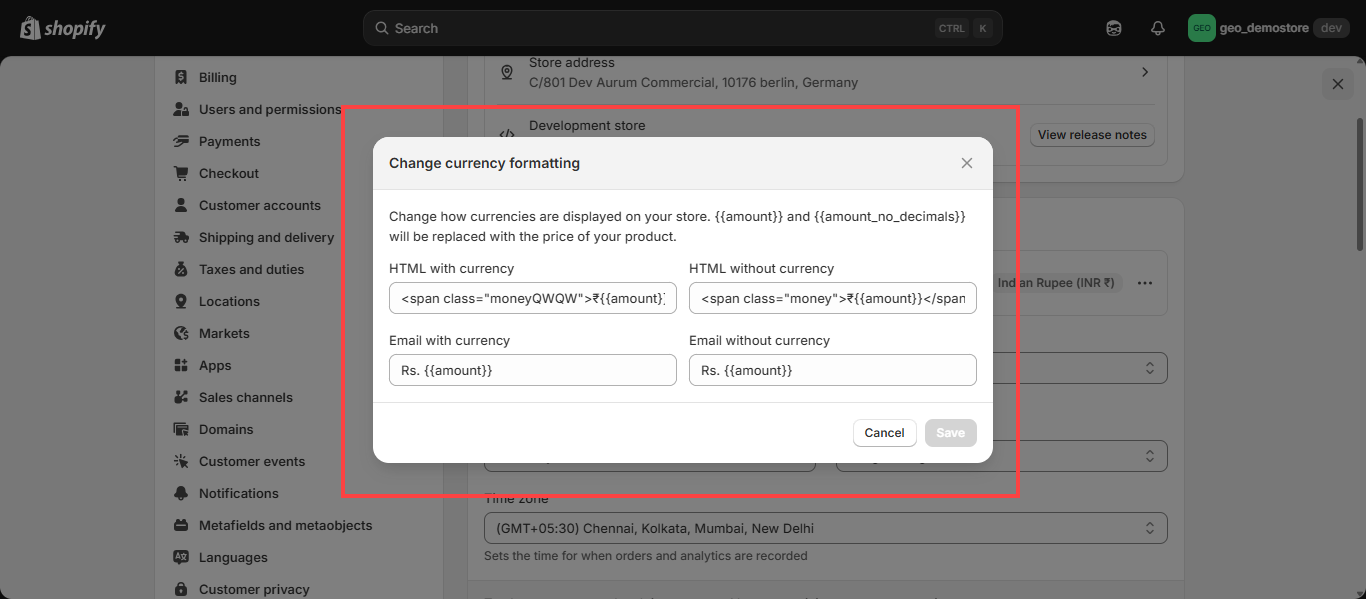
- On the Popup you can view the HTML with currency and HTML without currency option. Copy and paste the link here accordingly.
- By clicking on the dropdown of the Store currency, you will get the list of the currencies. The selected currency will be represented as the default currency of the store and the customers need to pay for the order in that currency.
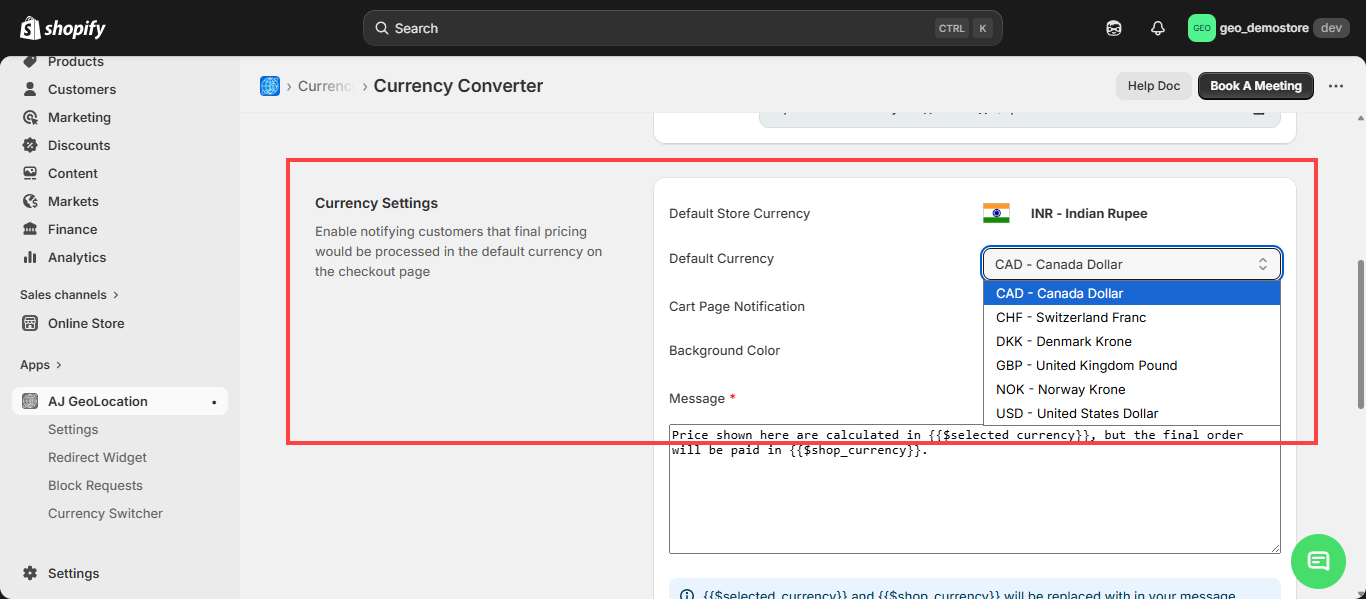
- You can enable or disable cart page notification.
- You can set background color for message that will display in cart page.
- You can add a massage for cart page.
- Once you edit the fields, click on the Save button to apply the changes.